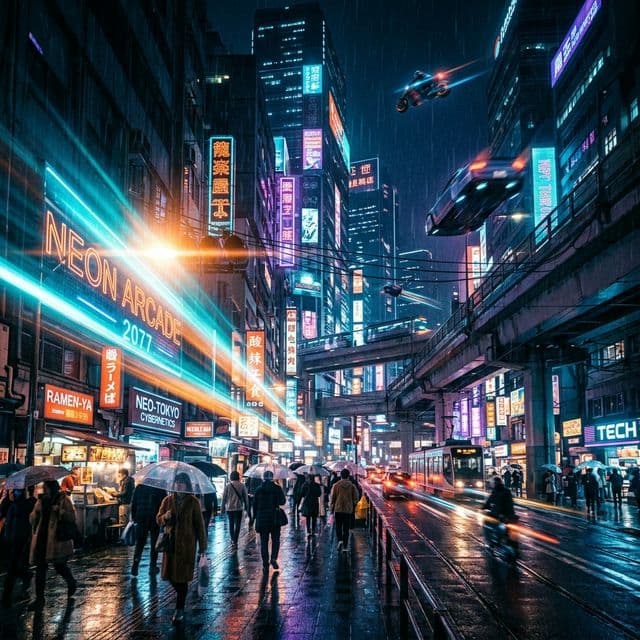
 Cinematic
Cinematic story frame
A cinematic visual direction for promo or narrative content.
Turn static images into moving stories with the Ken Burns effect. AI handles script, voice, captions, and cinematic motion. No video editing required.
These examples show the kind of creative direction, packaging, and visual range Clipza AI is designed to support.
CinematicA cinematic visual direction for promo or narrative content.
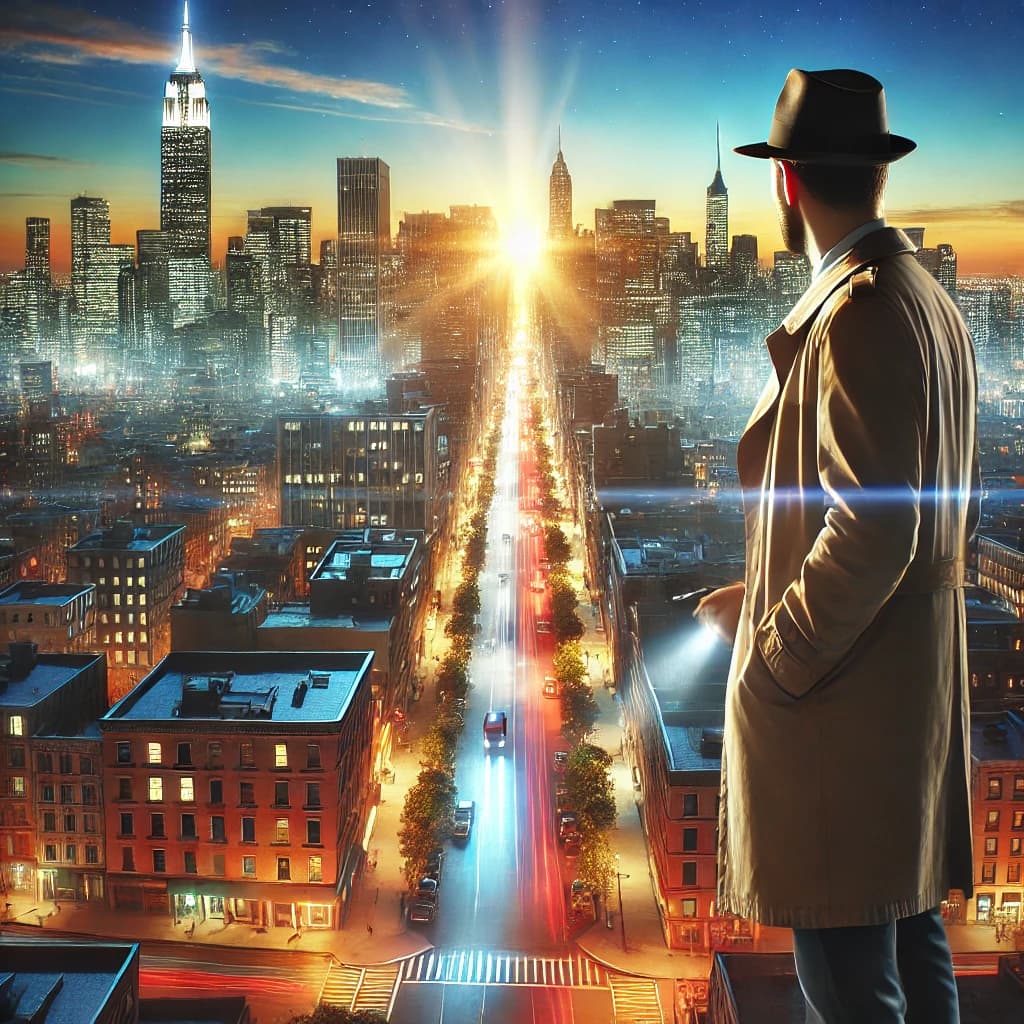 Realistic
Use realistic outputs for social ads, launch assets, and branded creative testing.
 Anime
AnimeMove quickly from concept to stylized visual direction for short-form content packaging.
A Ken Burns video uses slow pan and zoom motion on still images to create a cinematic, documentary-style effect. Combined with AI voiceover and captions, it becomes a powerful storytelling format.
No. Clipza AI handles script generation, image creation, voiceover, captions, and motion automatically. You just provide a topic or script.
YouTubers, educators, marketers, agencies, and anyone creating faceless video content that needs a professional, cinematic look.
Create videos from 10 seconds to 60 seconds, with AI-optimized scene counts and pacing for each length.
Start free, test the workflow, and move into higher-output plans only when your publishing pace demands it.